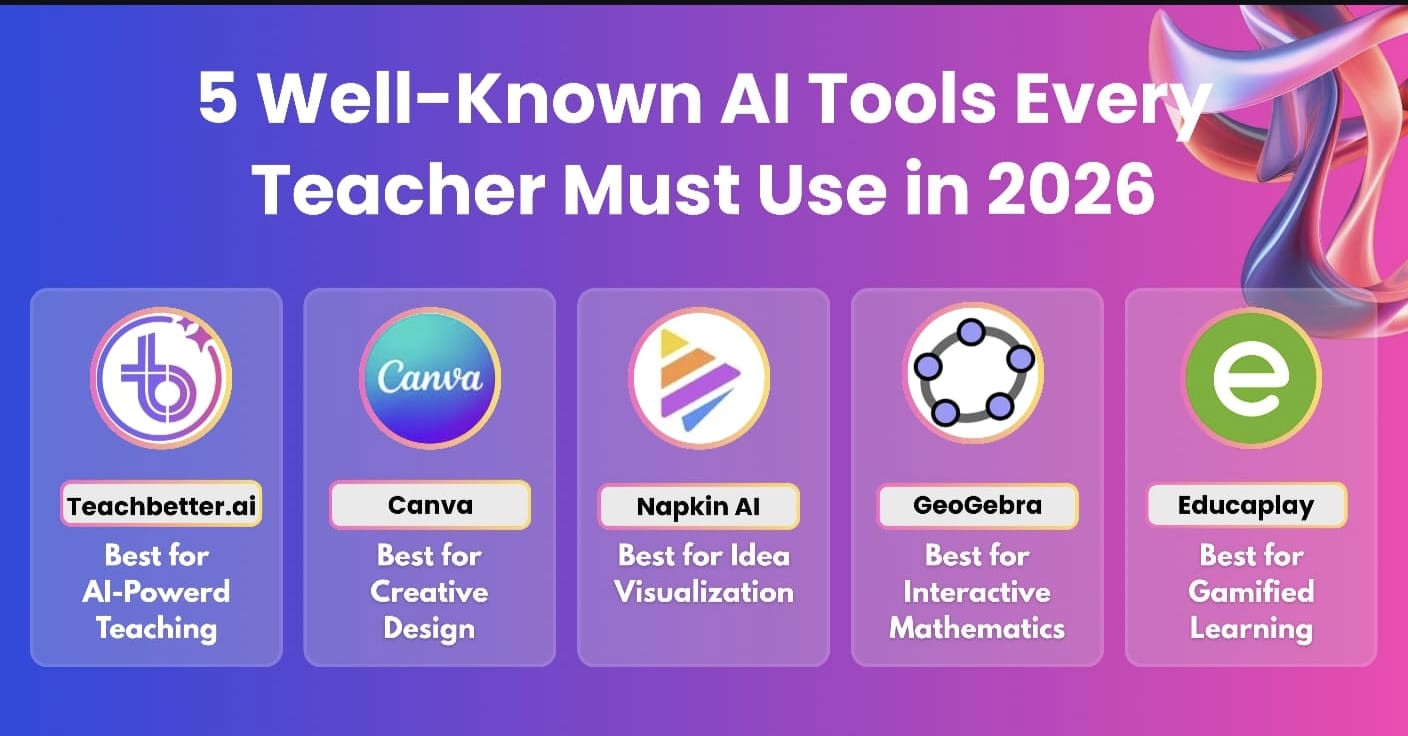
5 Well-Known AI Tools Every Teacher Must Use in 2026
Vipin Kumar
|
 7 August, 2026
Why AI Tools for Teachers Are More Important Than Ever
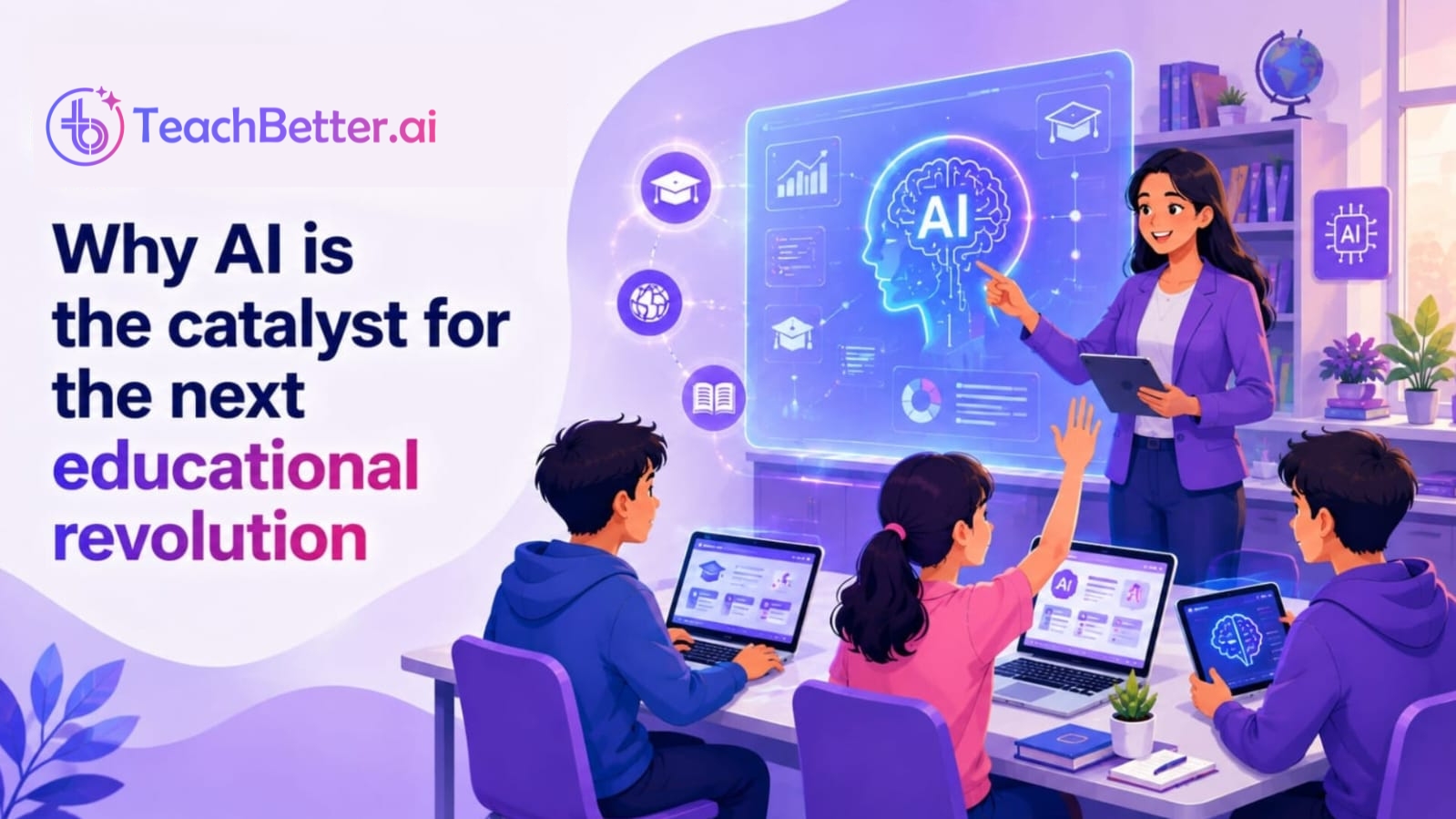
AI tools for teachers are transforming classrooms in 2026 by helping educators save time, create engaging learning materials, and reduce administrative workload. From lesson planning and quiz generation to presentations and personalized student feedback, the best AI tools for teachers enable educators to focus more on teaching and less on repetitive tasks. As schools increasingly adopt AI, choosing the right teaching tools has become more important than ever.
Teaching has never been limited to delivering lessons. Today's educators are expected to plan engaging lessons, create assessments, prepare presentations, provide personalized feedback, communicate with parents, and manage an increasing number of administrative responsibilities. As classrooms become more diverse and technology plays a larger role in education, balancing these tasks while maintaining high-quality instruction has become increasingly challenging.
Artificial Intelligence (AI) is helping teachers address this challenge by automating repetitive tasks and simplifying lesson preparation. Rather than replacing educators, AI serves as a teaching assistant that can generate lesson plans, quizzes, worksheets, classroom activities, presentations, and student feedback in a fraction of the time required to create them manually.
In this guide, we've selected five of the best AI tools for teachers in 2026. Each platform serves a different purpose—from all-in-one lesson planning and classroom resource creation to visual design, mathematical visualization, and interactive learning. Whether you're looking to reduce preparation time, improve student engagement, or enhance classroom instruction, these tools can help you work more efficiently while keeping teaching at the center of the learning experience.
How AI Tools for Teachers Are Transforming Education
Contrary to the common misconception, AI isn't here to replace teachers. Instead, it's becoming a reliable teaching assistant that helps educators automate repetitive tasks and spend more time where they create the greatest impact—in the classroom.
Instead of spending hours preparing teaching materials, teachers can now generate lesson plans, quizzes, worksheets, presentations, classroom activities, and even personalized student feedback within minutes.
As AI adoption continues to grow in education, teachers are moving beyond general-purpose chatbots and choosing tools designed for specific classroom tasks. Instead of spending valuable time writing prompts and refining responses, educators increasingly prefer platforms that generate lesson plans, assessments, presentations, and learning resources with minimal effort. This shift reflects a broader trend toward AI solutions that integrate naturally into everyday teaching workflows rather than acting as standalone assistants.
The result is simple: less time spent on repetitive administrative work and more time available for teaching, mentoring, and helping students succeed.
What Makes the Best AI Tools for Teachers?
With hundreds of AI tools now available, choosing the right one can be overwhelming. While many platforms promise impressive capabilities, not all of them are designed for the unique needs of educators.
The best AI tools for teachers share a few important characteristics.
First, they should save meaningful amounts of time by automating repetitive tasks such as lesson planning, assessment creation, report writing, and classroom resource development.
Second, they should be simple enough for any teacher to use, without requiring technical expertise or complicated prompt writing.
Third, they should be built with education in mind, understanding classroom workflows, curriculum requirements, and learning objectives rather than simply generating generic content.
Finally, the best AI tools should enhance teaching rather than replace it, allowing educators to focus more on student engagement, creativity, and meaningful learning experiences.
Keeping these qualities in mind, let's explore five AI tools that every teacher should consider using in 2026.
1. TeachBetter.ai – The AI Teaching Assistant Built Specifically for Teachers
Best For: Lesson Planning, Quizzes, Worksheets, Presentations, Classroom Activities, and Student Reports
Many teachers begin exploring AI through general-purpose chatbots. While these tools can generate ideas and answer questions, they often require detailed prompts and multiple refinements before the output becomes classroom-ready.
TeachBetter.ai takes a completely different approach.
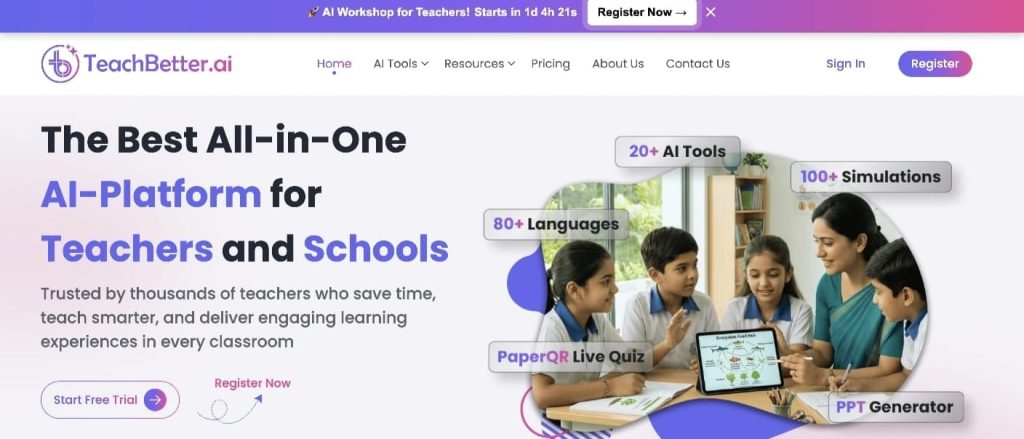
Instead of being a generic AI platform adapted for education, it has been purpose-built for teachers. Every tool on the platform is designed around everyday classroom responsibilities—from planning lessons and creating assessments to preparing presentations, generating personalized student reports, and developing engaging classroom activities. Its educator-first approach focuses on simplifying teaching while promoting concept-based learning through AI-powered educational tools.
One of the platform's biggest strengths is its simplicity. Teachers don't need to become AI experts or learn prompt engineering. They simply enter basic classroom information such as the subject, grade level, lesson topic, and learning objectives, and the platform generates structured, classroom-ready content within seconds.
Rather than switching between different applications for presentations, worksheets, quizzes, and reports, teachers can complete most of their planning from one platform. This not only saves time but also creates a much smoother workflow throughout the school week.
TeachBetter.ai includes a wide range of AI-powered tools, including:
- Lesson Planner
- Quiz & Worksheet Generator
- Presentation Generator
- Personalized Report Generator
- Activity & Project Generator
- Creative Resource Generator
- Concept Explainer
- Science Lab
- Writing Assistant
- YouTube Video Analyzer
- Web Search Assistant
Together, these tools help teachers prepare engaging classroom resources much faster while maintaining consistency across different lessons and subjects. The platform is also designed to support multilingual content creation and simplify everyday teaching tasks.
Why It Stands Out
TeachBetter.ai stands out because it brings together multiple classroom planning tools in one platform. Rather than using separate applications for lesson planning, worksheet creation, presentations, quizzes, classroom activities, and student reports, teachers can manage these tasks from a single dashboard. Its education-first design also reduces the need for complex prompt writing, making AI accessible even for educators with little prior experience. For teachers looking to streamline daily preparation while maintaining high-quality classroom resources, this integrated approach can significantly simplify their workflow.
2. Canva for Education – Create Beautiful Classroom Resources Without Design Skills
Best For: Presentations, Posters, Worksheets, Infographics, Certificates, Classroom Visuals
Great teaching isn't just about delivering the right content—it's also about presenting it in a way that captures students' attention.
Visual learning plays a significant role in improving student understanding and retention. Whether it's a colourful classroom poster, an engaging presentation, a worksheet, or an infographic, well-designed learning materials can make lessons more interactive and memorable.
This is where Canva for Education has become one of the most popular tools among educators worldwide.
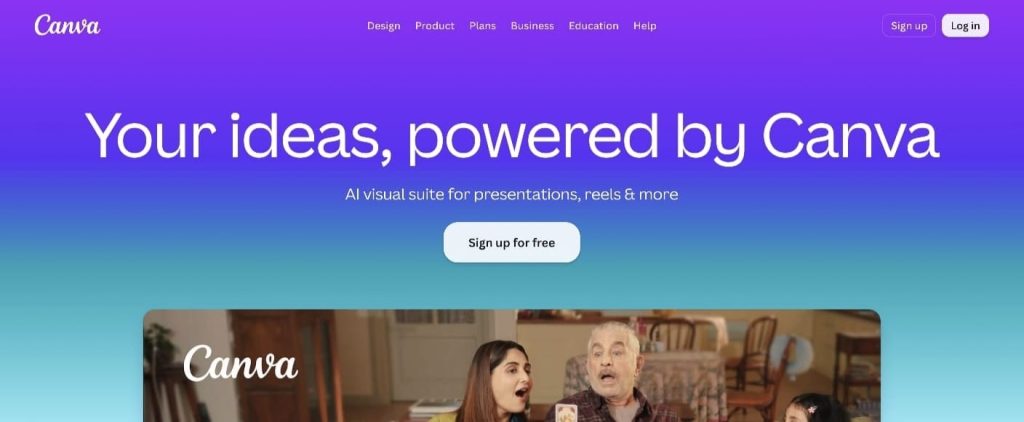
Designed specifically for schools and teachers, Canva for Education provides thousands of ready-to-use templates that help educators create professional-quality classroom resources without needing any graphic design experience. Everything works through a simple drag-and-drop interface, allowing teachers to focus on teaching rather than designing.
Over the last few years, Canva has also introduced several AI-powered features, such as Magic Write and Text-to-Image, making content creation even faster. Teachers can generate presentation content, brainstorm ideas, and create custom visuals without leaving the platform.
Whether you're preparing classroom slides, designing certificates for students, creating flashcards, or developing posters for school events, Canva significantly reduces the effort required to produce visually appealing educational content.
Why It Stands Out
Canva combines powerful design capabilities with an interface that almost anyone can learn within minutes. For teachers who want their classroom resources to look professional without spending hours on formatting and design, Canva has become an indispensable tool.
Although Canva focuses primarily on design rather than lesson planning or assessment creation, it works exceptionally well alongside AI teaching platforms by helping teachers present their content in a much more engaging way.
3. Napkin AI – Turn Ideas into Visual Diagrams in Seconds
Best For: Flowcharts, Mind Maps, Process Diagrams, Infographics, Visual Learning
Some concepts are much easier to understand when students can see them rather than simply read about them.
Whether you're explaining the water cycle, photosynthesis, the human digestive system, historical timelines, business processes, or even essay structures, visual diagrams often help students grasp ideas much faster than paragraphs of text.
Creating these visuals manually, however, can be both time-consuming and challenging—especially for teachers without design experience.
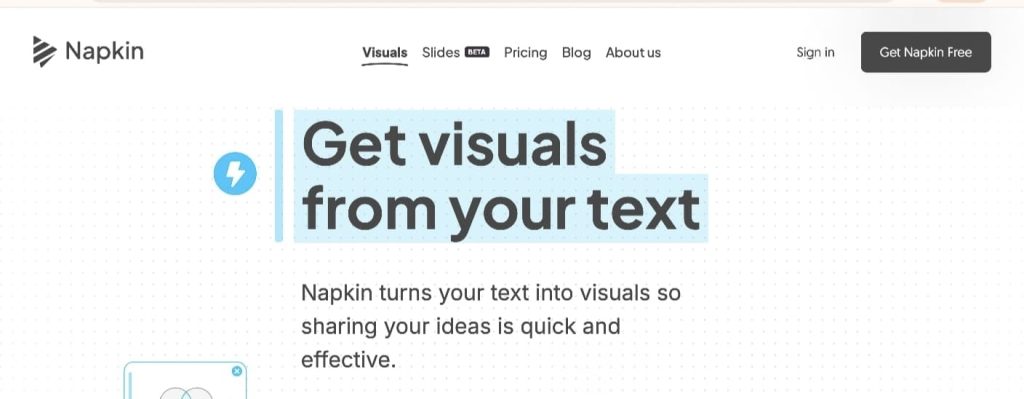
Napkin AI solves this problem by automatically converting written text into clean, professional-looking diagrams and visual explanations.
Teachers simply enter their notes or paste a block of text, and the platform generates visual representations such as flowcharts, concept maps, relationship diagrams, and infographics within seconds.
This makes classroom explanations far more engaging while helping students visualize relationships between concepts more effectively.
Why It Stands Out
Unlike traditional design software, Napkin AI doesn't require teachers to arrange shapes, arrows, or layouts manually. The AI handles the visualization automatically, allowing educators to focus on explaining concepts rather than designing graphics.
For teachers who regularly teach complex processes or interconnected ideas, Napkin AI can dramatically improve both lesson preparation and classroom understanding.
While it isn't an all-purpose teaching platform, it is one of the easiest ways to transform ordinary notes into compelling visual learning resources.
4. GeoGebra – Bringing Mathematics to Life Through Visualization
Best For: Mathematics, Geometry, Algebra, Graphing, Statistics, STEM Education
Mathematics is often considered one of the most difficult subjects because many concepts are abstract and difficult for students to visualize.
Reading formulas in a textbook rarely provides the same level of understanding as seeing those concepts come alive on screen.
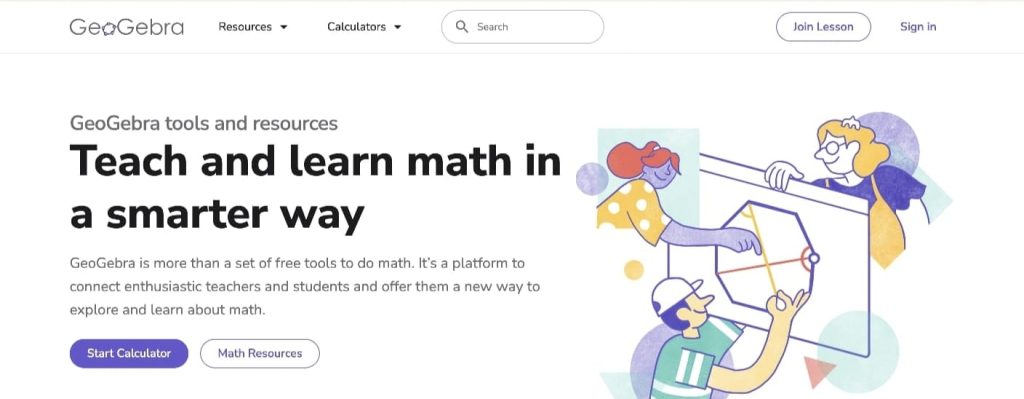
GeoGebra has been helping teachers solve this challenge for years by making mathematics interactive.
Instead of relying on static diagrams, teachers can demonstrate graphs, geometric constructions, algebraic equations, probability models, and statistical concepts using dynamic visualizations that students can explore themselves.
Students aren't limited to watching demonstrations—they can interact with mathematical objects, change variables, and immediately observe how those changes affect graphs and geometric figures. This hands-on exploration encourages curiosity while building stronger conceptual understanding.
GeoGebra has become one of the world's most trusted educational platforms for mathematics and STEM education because it combines powerful functionality with free accessibility.
Why It Stands Out
Few educational tools help students visualize abstract mathematical concepts as effectively as GeoGebra.
Rather than encouraging memorization, it promotes conceptual understanding by allowing students to experiment, explore, and discover mathematical relationships on their own.
For mathematics and science teachers, GeoGebra continues to be one of the most valuable free classroom resources available.
5. Educaplay – Make Learning More Interactive Through Educational Games
Best For: Classroom Games, Revision Activities, Quizzes, Student Engagement
Keeping students engaged throughout a lesson is one of the biggest challenges teachers face today.
Traditional revision methods often struggle to maintain students' attention, especially when reviewing concepts that have already been taught.
Educational games provide a simple but effective solution.
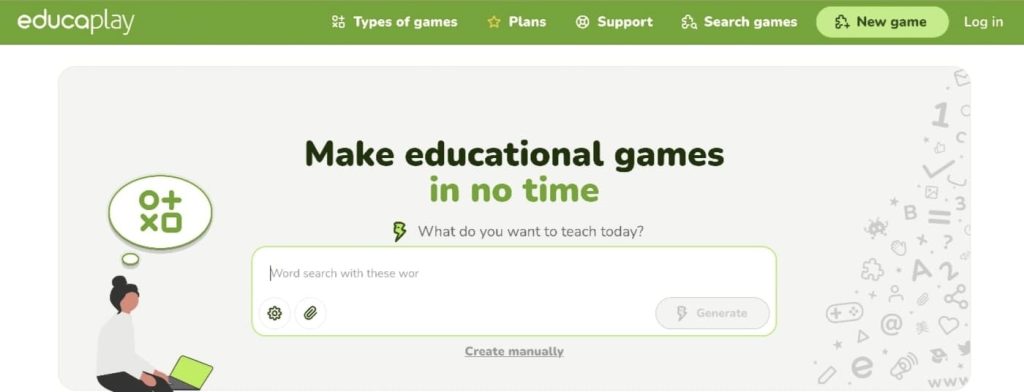
Educaplay allows teachers to transform ordinary classroom revision into interactive learning experiences without requiring any coding or technical expertise.
Using the platform, teachers can quickly create activities such as crosswords, matching exercises, word searches, memory games, fill-in-the-blanks, interactive quizzes, video-based questions, and many other classroom activities.
These activities encourage students to actively participate instead of passively reading notes or completing repetitive exercises.
Game-based learning also introduces healthy competition into the classroom, making revision sessions more enjoyable while improving student participation and knowledge retention.
Whether used during classroom teaching, homework assignments, or revision before examinations, Educaplay helps make learning both fun and meaningful.
Why It Stands Out
Educaplay focuses on one of the most important aspects of teaching—student engagement.
Its intuitive interface allows teachers to create interactive classroom activities in just a few minutes, helping transform routine revision into enjoyable learning experiences.
For teachers looking to increase participation and motivation without spending hours creating activities from scratch, Educaplay is an excellent addition to their teaching toolkit.
Comparing the Top AI Tools for Teachers in 2026
Each of the five AI tools featured in this article serves a different purpose. While some focus on lesson planning and classroom content, others specialize in visual design, mathematical visualization, or interactive learning.
Rather than replacing one another, these tools complement each other and can be used together to create a more efficient and engaging teaching experience.
The table below provides a quick comparison to help you identify which tool best fits your teaching needs.
| Tool | Best For | Key Strength | Ideal Users |
| TeachBetter.ai | Lesson planning, quizzes, worksheets, presentations, reports | All-in-one AI teaching platform | Teachers, tutors, schools |
| Canva for Education | Posters, presentations, classroom visuals | Professional design made simple | All educators |
| Napkin AI | Flowcharts, diagrams, concept maps | Converts text into visuals instantly | Teachers, trainers |
| GeoGebra | Mathematics and STEM | Interactive mathematical visualization | Math & Science teachers |
| Educaplay | Classroom games and revision | Interactive learning activities | K-12 teachers |
As you can see, every platform addresses a different classroom challenge. Instead of trying to find one tool that does everything perfectly, many teachers combine multiple tools to build a more complete teaching workflow.
Choosing the Best AI Tool for Your Teaching Style
With so many AI platforms available today, it's natural to wonder which one deserves a place in your daily teaching routine. The answer depends on your teaching priorities and classroom needs.
If you need a comprehensive solution for lesson planning, worksheets, quizzes, presentations, classroom activities, and student reports, an all-in-one platform like TeachBetter.ai can simplify your workflow by bringing these tasks together in one place. Teachers who already have their lesson content but want to improve visual presentation may prefer Canva for Education, while those teaching mathematics or looking to create interactive learning experiences may benefit from GeoGebra and Educaplay. Many educators combine multiple platforms, using TeachBetter.ai as their primary planning tool alongside specialized AI solutions.
Choosing AI Tools Based on Your Teaching Needs
If your focus is creating visually engaging classroom resources, Canva for Education is an excellent choice. Napkin AI helps explain complex concepts by turning text into clear visual diagrams. For mathematics and STEM education, GeoGebra provides interactive visualizations that encourage conceptual understanding, while Educaplay makes revision more engaging through quizzes, matching games, crosswords, and other interactive activities.
Ultimately, there isn't a single "best" AI tool for every teacher. The right choice depends on your teaching style, subject, and classroom needs. Many educators achieve the best results by combining two or three complementary platforms to create a more efficient, engaging, and personalized teaching experience.
Frequently Asked Questions (FAQs)
1. Which is the best AI tool for teachers in 2026?
There isn't a one-size-fits-all answer. If you're looking for an all-in-one platform for lesson planning, assessments, presentations, worksheets, and classroom resources, TeachBetter.ai is one of the most comprehensive options available. However, teachers looking for specialized capabilities such as design or mathematics visualization may also benefit from Canva for Education or GeoGebra alongside it.
2. Can AI replace teachers?
No.
AI is designed to support teachers rather than replace them. While it can automate repetitive tasks and generate educational content quickly, it cannot replace the creativity, empathy, classroom management, mentorship, and human connection that great teachers bring to education.
3. Are these AI tools suitable for beginners?
Yes.
All five tools featured in this article have been designed with user-friendly interfaces that require little or no technical expertise. Most teachers can begin using them with minimal training.
4. Can AI help reduce teacher workload?
Absolutely.
One of the biggest advantages of AI is its ability to automate repetitive tasks such as lesson planning, quiz creation, worksheet generation, report writing, and classroom resource development. This allows teachers to spend more time interacting with students instead of preparing teaching materials.
5. Which AI tool is best for creating classroom presentations?
If your focus is creating visually appealing presentations, Canva for Education is an excellent choice.
However, if you want AI to first generate the educational content and then create classroom presentations around it, TeachBetter.ai provides a more education-focused workflow.
6. Which AI tool is best for mathematics teachers?
GeoGebra continues to be one of the most trusted platforms for mathematics education. Its interactive graphs, geometry tools, algebra visualizations, and STEM simulations help students understand mathematical concepts much more effectively than static textbook diagrams.
Conclusion
Artificial Intelligence is becoming an essential part of modern teaching, helping educators save time, improve classroom engagement, and create richer learning experiences. While each tool featured in this guide serves a different purpose, TeachBetter.ai offers one of the most comprehensive solutions by combining lesson planning, assessments, presentations, worksheets, classroom activities, and student reports into a single platform. Teachers can then complement it with specialized tools like Canva for Education, Napkin AI, GeoGebra, and Educaplay based on their classroom needs.
The five tools featured in this guide each address a unique teaching challenge:
- TeachBetter.ai – All-in-one AI platform for lesson planning, quizzes, worksheets, presentations, classroom activities, and student reports.
- Canva for Education – Create visually engaging presentations, posters, worksheets, and classroom resources.
- Napkin AI – Turn written ideas into clear visual diagrams and flowcharts.
- GeoGebra – Make mathematics and STEM learning interactive through dynamic visualizations.
- Educaplay – Boost student engagement with interactive games and revision activities.
Rather than competing, these platforms complement each other to create a powerful AI-powered teaching toolkit. If you're just beginning your AI journey, start with the tool that solves your biggest classroom challenge. An all-in-one platform like TeachBetter.ai can significantly reduce lesson preparation time, while the other tools can enhance visual learning, mathematics instruction, and classroom engagement.
As classrooms continue to evolve, adopting the right AI tools can help teachers spend less time on repetitive tasks and more time creating meaningful learning experiences that inspire curiosity, creativity, and lifelong learning.

Vipin Kumar, Co-Founder, TeachBetter.ai
Vipin Kumar is building TeachBetter.ai to create intuitive AI tools that simplify teaching and enhance learning outcomes. With prior experience at global technology companies, he brings a deep understanding of scalable systems, user needs, and practical digital solutions. His mission is to make AI adoption in education easy, affordable, and truly impactful for teachers everywhere. He is committed to creating AI solutions that save time, boost creativity, and empower educators to focus on what matters most—teaching.
Read other articles authored by Vipin Kumar here.