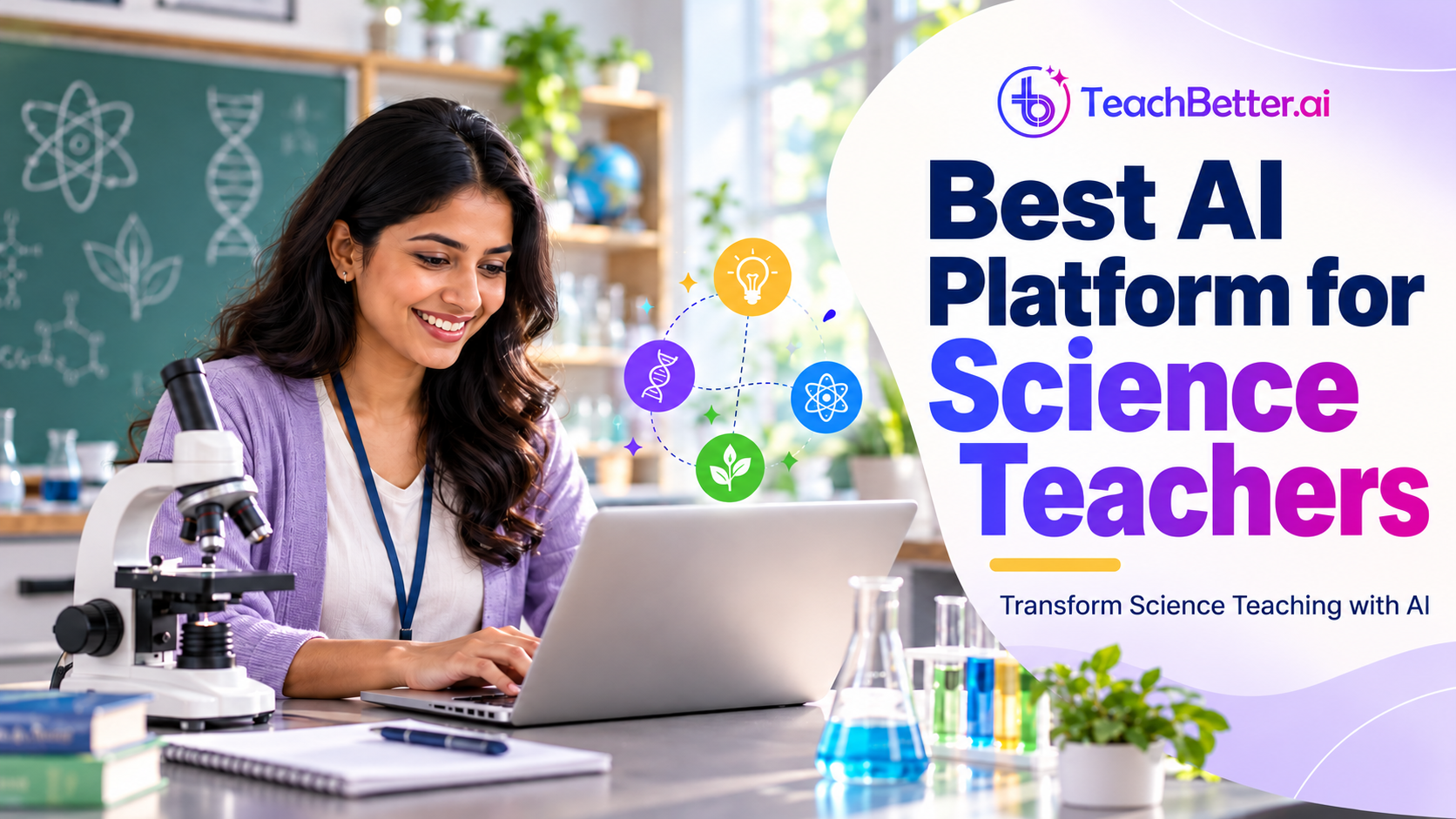
Best AI Platform for Science Teachers: Transform Science Teaching with TeachBetter.ai
Binit Agarwalla
|
 12 October, 2026
Science is not simply a subject that students learn from textbooks. It is a way of understanding the world through observation, questioning, experimentation, reasoning and application. A good Science lesson should help students understand not only what happens, but also why it happens and how it connects to the world around them.
For teachers, however, creating these learning experiences requires significant preparation. A Science teacher may need to plan a lesson, simplify a difficult concept, prepare a demonstration or activity, create visual resources, develop worksheets, find suitable educational videos, answer student questions and assess understanding—all while managing the everyday responsibilities of a classroom.
This is where Artificial Intelligence can become a practical teaching assistant.
However, teachers do not simply need another generic AI chatbot. They need an AI platform for Science teachers that can support the actual teaching process. TeachBetter.ai brings together AI-powered capabilities for lesson planning, concept explanation, practical Science learning, classroom activities, creative resources, presentations, quizzes, document analysis, educational videos, classroom assessment and concept practice.
The goal is not to replace the Science teacher. It is to reduce repetitive preparation and give teachers more time to do what matters most: explain, demonstrate, question, investigate and help students understand Science.
Why Science Teachers Need a Different Approach to AI
Science teaching has a unique challenge. Many scientific concepts are difficult for students to understand because they involve processes that cannot be directly observed.
Students cannot see an atom with their eyes. They cannot directly observe an electric field. They may find it difficult to visualise how forces act on an object or how cells divide. Even when a process can be demonstrated, the underlying scientific explanation may still be abstract.
This means that Science teachers often need to explain the same idea in several different ways.
A Physics teacher may use a real-world example to explain force. A Chemistry teacher may use an experiment to demonstrate a chemical reaction. A Biology teacher may use a diagram or animation to explain a biological process. An Environmental Science teacher may take students outside the classroom to observe a local problem.
AI can help teachers prepare these different learning experiences more efficiently.
For example, instead of simply asking AI to "explain photosynthesis", a teacher can use AI to develop a lesson introduction, a simple explanation, a real-world example, an activity, a set of questions and a short assessment.
The result is not simply more content. There are more ways for students to understand the same concept.
How TeachBetter.ai Supports Science Teaching
TeachBetter.ai is an AI-powered teaching platform built to support teachers across the complete teaching process. For Science teachers, it brings together tools for lesson planning, concept explanation, practical learning, classroom activities, creative resources, presentations, quizzes, document-based learning, educational videos, classroom assessment and concept practice. Key tools include Lesson Planner, Concept Explainer, Science Lab, Activity & Project Generator, Creative Resource Generator, Presentation Generator, Quiz & Worksheet Generator, Doubt Solver, Chat With Documents, YouTube Video Analyzer, PaperQR Live Quiz, Personalized Report Generator and Concept Mastery Coach.
For Science teachers, this creates an opportunity to use AI not only for lesson preparation but also for practical learning, classroom engagement and assessment.
A typical Science teaching workflow could involve:
Plan → Explain → Explore → Practise → Assess → Reflect
Different TeachBetter.ai tools can support different stages of this process.
1. Lesson Planner: Build Science Lessons Around Curiosity
A strong Science lesson does not always begin with a definition. It can begin with a question.
What makes ice float on water? Have you noticed that a metal spoon feels colder than a wooden spoon? Another interesting question is why we see lightning before hearing thunder. Students may also wonder what causes our breathing rate to increase after exercise.
Questions like these create curiosity and provide a reason for students to learn the scientific concept that follows.
The Lesson Planner can help teachers structure lessons around a particular subject, grade, topic and learning objective. Instead of simply listing the content that needs to be covered, teachers can use AI to develop a more structured learning sequence.
For example, while teaching heat transfer, a teacher could begin with an everyday observation and then introduce conduction, convection and radiation. A Biology teacher teaching respiration could start by asking why people breathe faster after running. A Chemistry teacher teaching acids and bases could begin with familiar substances before moving towards their scientific properties.
Teachers can then review and adapt the generated lesson plan according to their curriculum, students and available classroom time.
This makes AI useful not because it replaces lesson planning, but because it gives teachers a faster starting point for developing purposeful Science lessons.
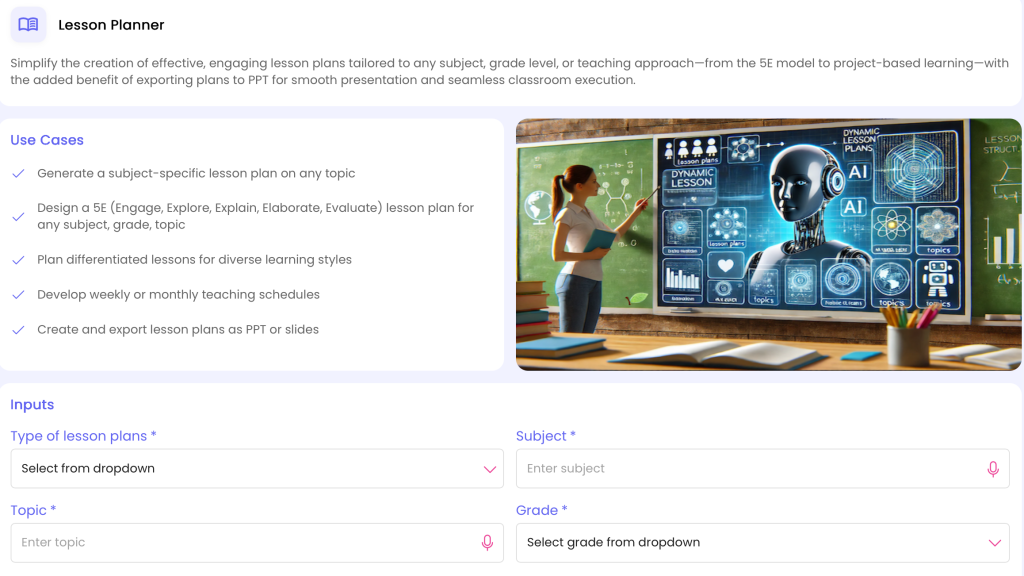
Lesson Plan: https://myspace.teachbetter.ai/view/resource/3e75d2e5-8a19-4978-b533-63b1be02fe7e
2. Concept Explainer: Make Complex Science Easier to Understand
Science contains many concepts that students find difficult because they are abstract, unfamiliar or interconnected.
The Concept Explainer can help teachers develop simpler explanations, examples and approaches for difficult concepts.
Consider Newton's Third Law. Students may memorise the statement that every action has an equal and opposite reaction without fully understanding what it means. A teacher can make the idea more accessible by connecting it with walking, jumping, swimming or pushing an object.
Similarly, a Biology teacher explaining photosynthesis can move beyond the equation and explain the roles of sunlight, carbon dioxide, water and chlorophyll. A Chemistry teacher explaining atomic structure can introduce the concept gradually before moving to more detailed scientific terminology.
The advantage of using AI here is that teachers can explore different explanations before choosing the one that best fits their students.
The teacher remains the subject expert. AI simply helps provide more possibilities for explanation.
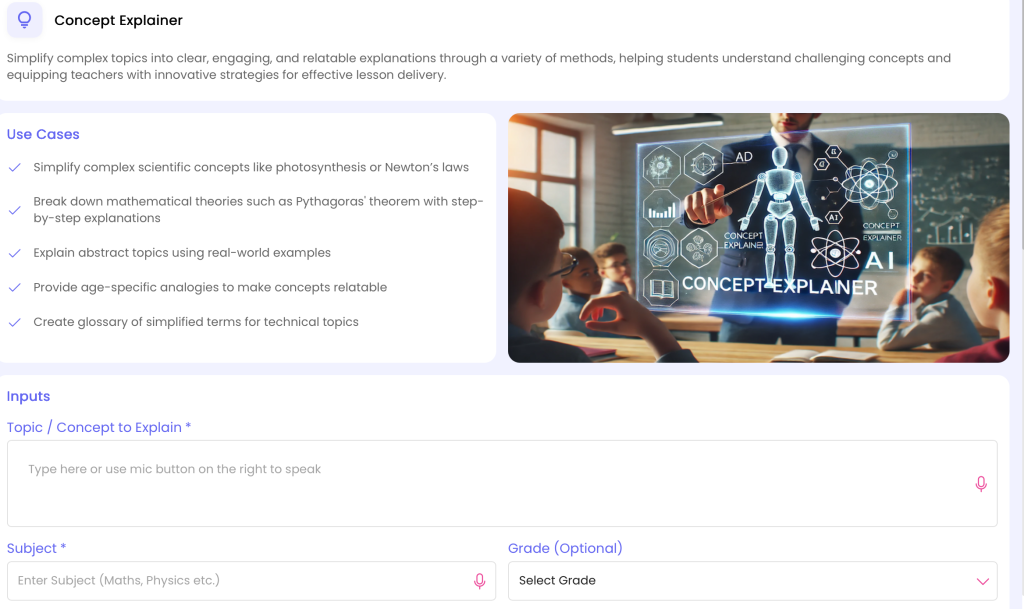
Concept Explain: https://myspace.teachbetter.ai/view/resource/adfc2e3f-ea82-4b86-8ae1-5107dc0505e9
3. Science Lab: Bring Practical Learning Into the Classroom
Science is fundamentally connected to experimentation and observation. Students often understand a concept differently when they can see a process, make an observation or investigate a scientific question rather than only read about it.
TeachBetter.ai’s Science Lab brings practical Science learning into the teaching workflow. It helps teachers develop learning experiences around scientific concepts and gives them another way to move beyond textbook-based explanations towards observation, investigation and experimentation.
A Physics teacher could explore practical learning around topics such as motion, force, energy or electricity. A Chemistry teacher could develop learning around properties, reactions and other appropriate practical concepts. A Biology teacher could create observation-oriented activities related to plants, cells, ecosystems or living systems.
The teacher should always review any practical activity for safety, age appropriateness, available equipment, school procedures and curriculum requirements before using it.
The important educational shift is from simply telling students about Science to giving them opportunities to observe, investigate and reason about scientific phenomena.
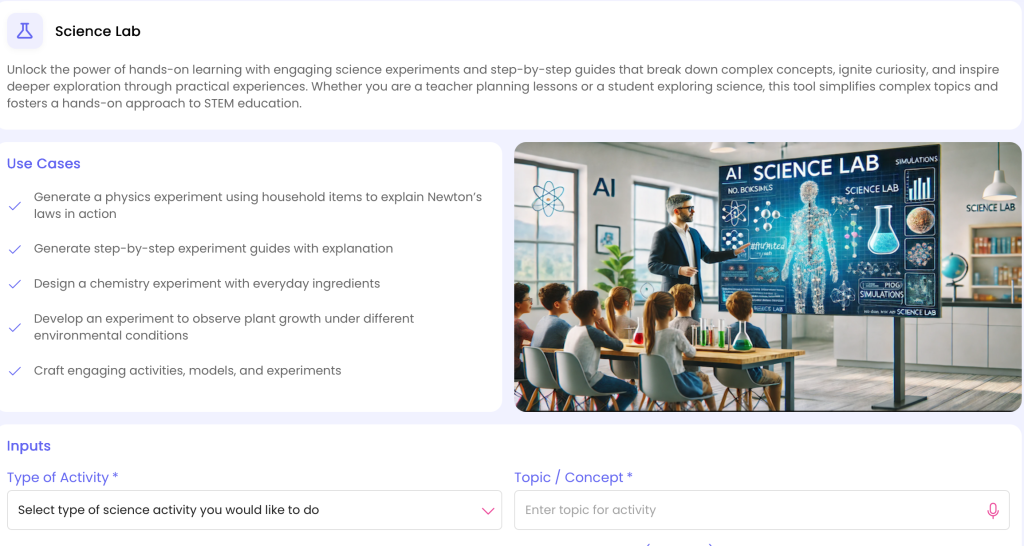
Science Lab: https://myspace.teachbetter.ai/view/resource/378d6759-20fb-42b9-9aef-a3af3bd13575
4. Activity & Project Generator: Turn Science Into Active Learning
Not every practical Science experience requires a laboratory.
Students can investigate concepts through classroom activities, group projects, observation tasks, research assignments and real-world problem-solving.
The Activity & Project Generator can help teachers develop such experiences around specific Science topics.
For example, while teaching ecosystems, students could investigate organisms found around their school and discuss how they interact. A Physics teacher teaching motion could create a simple activity involving distance and time measurements. An Environmental Science teacher could design a project around waste management or water conservation.
Projects can also encourage students to connect Science with their own surroundings.
Instead of learning about pollution only from a textbook, students could investigate sources of waste in their school or community. Instead of simply studying biodiversity, they could observe and document different organisms in their surroundings.
The teacher can then adapt the generated activity according to class size, available resources, student age and learning objectives.
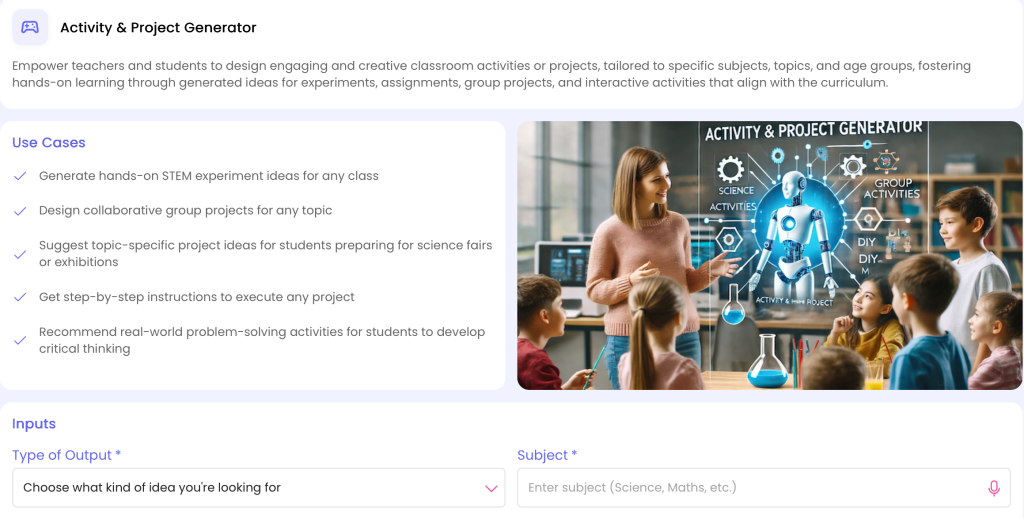
Activity & Project Generate: https://myspace.teachbetter.ai/view/resource/f408c7df-9df9-4a4a-9fea-51f7e3df9542
5. Creative Resource Generator: Make Science More Relatable
Sometimes a concept becomes easier to understand when it is connected with a familiar situation, story or problem.
The Creative Resource Generator can help teachers create supporting resources that make Science concepts more relatable.
For example, a teacher teaching food chains could create a scenario where the disappearance of one organism affects several other organisms in an ecosystem. A Physics teacher teaching energy could introduce a household electricity-use scenario. A Biology teacher teaching the digestive system could turn the journey of food through the body into a structured learning story.
These resources can be used as lesson starters, discussion prompts, classroom challenges or revision material.
The purpose is not to turn every Science lesson into a story. It is to give teachers additional ways to introduce and reinforce concepts when a traditional explanation may not be enough.
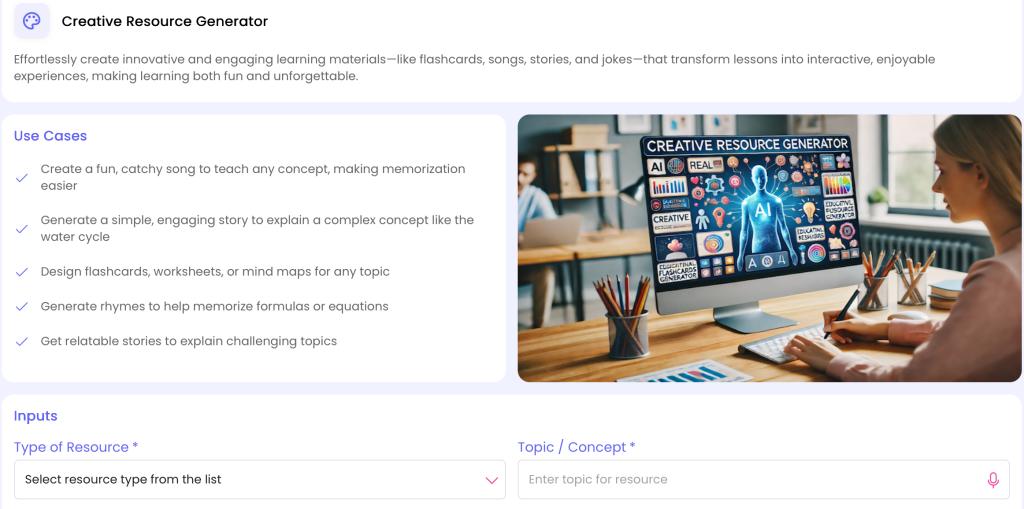
Creative Resource Generate: https://myspace.teachbetter.ai/view/resource/f6c0c878-a432-4eca-be1c-5e913eaf2a1c
6. Presentation Generator: Visualise Processes and Scientific Systems
Many Science concepts involve processes, structures and relationships that are easier to understand visually.
The Presentation Generator can help teachers create structured visual teaching material around a topic.
For example, a Biology lesson on the water cycle can show the relationship between evaporation, condensation, precipitation and collection. A lesson on cell division can organise the stages into a clear sequence. A Chemistry lesson can visually introduce the organisation of elements in the Periodic Table. A Physics presentation can use diagrams to explain reflection, refraction or electric circuits.
The teacher can combine these visual resources with questioning, discussion, demonstrations and activities.
A presentation should not simply reproduce the textbook on slides. Its purpose should be to help students see relationships, processes and patterns that may be difficult to understand through text alone.
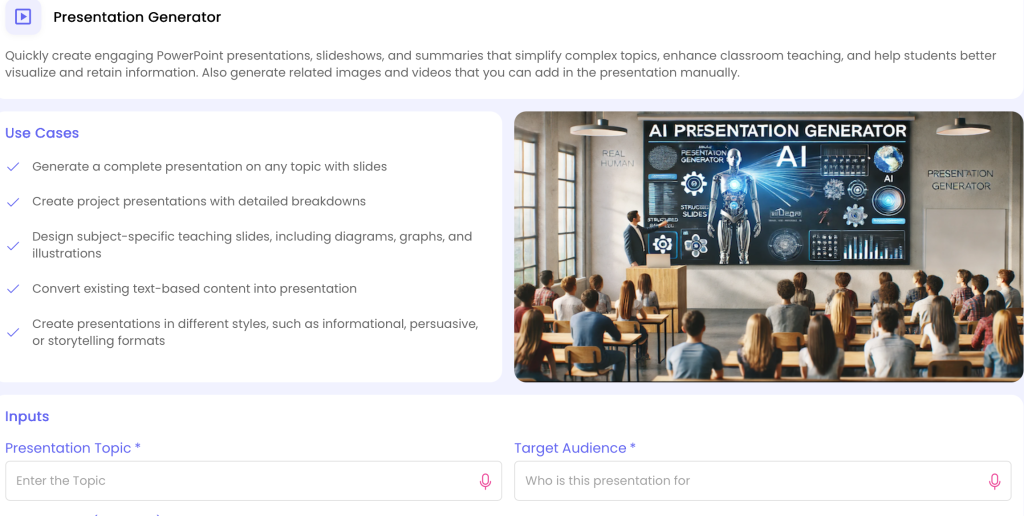
Presentation Generate: https://myspace.teachbetter.ai/view/resource/27622876-4781-4b61-89d6-5450a4f220eb
7. Doubt Solver: Prepare for the Questions Students Ask
Some of the most valuable moments in a Science classroom begin with an unexpected question.
A student might ask:
- Why don't we feel the Earth rotating?
- Why does ice float?
- Why does the sky appear blue?
- Why does a pressure cooker cook food faster?
- Why do we see lightning before hearing thunder?
These questions may go beyond the exact wording of the textbook, but they can create excellent learning opportunities.
The Doubt Solver can help teachers explore alternative explanations and examples before responding to difficult student questions.
For example, a teacher can use it to develop a simpler explanation of gravity, prepare an analogy for electric current or explore a clearer way to explain why some materials expand when heated.
The teacher should verify the explanation and decide what level of detail is appropriate for the class.
In this way, AI becomes a preparation partner for classroom questions, rather than a replacement for the teacher's expertise.
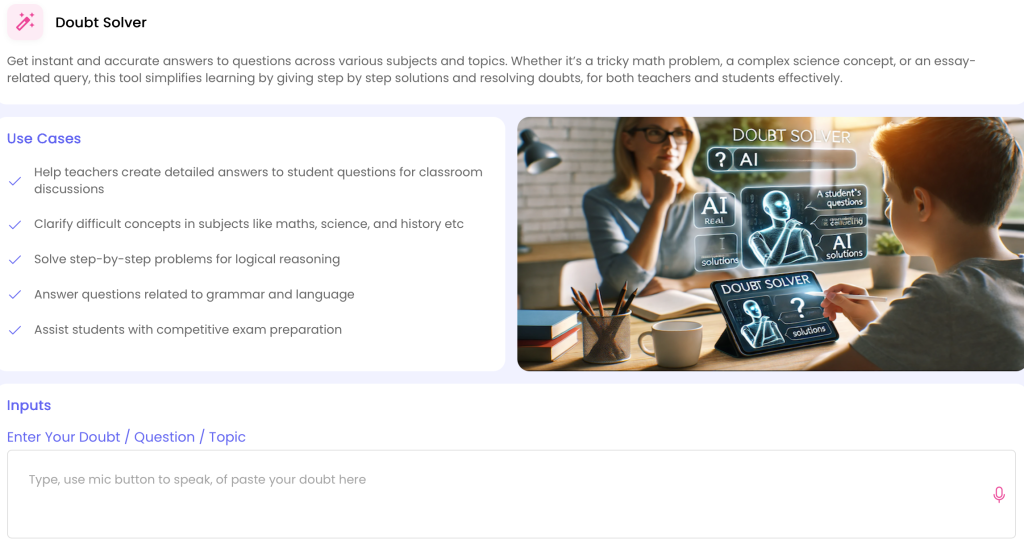
Doubt Solve: https://myspace.teachbetter.ai/view/resource/f380f94c-2aa0-4582-bee5-cb5f4d39cb3f
8. Chat With Documents: Work With Your Existing Science Resources
Teachers already have a large collection of Science resources, including textbooks, PDFs, lesson notes, question papers and reference material.
Creating everything again with AI is unnecessary.
Chat With Documents can help teachers work with their existing documents and use them as a basis for developing additional learning resources.
For example, a teacher can work with an existing chapter and use it to prepare revision material, questions or explanations. A Physics teacher could use existing chapter notes to create practice questions. A Biology teacher could work with a textbook chapter when preparing revision content before an examination.
This can be particularly useful for teachers who already have a well-established teaching process and simply want AI to help them work more efficiently with the material they already use.
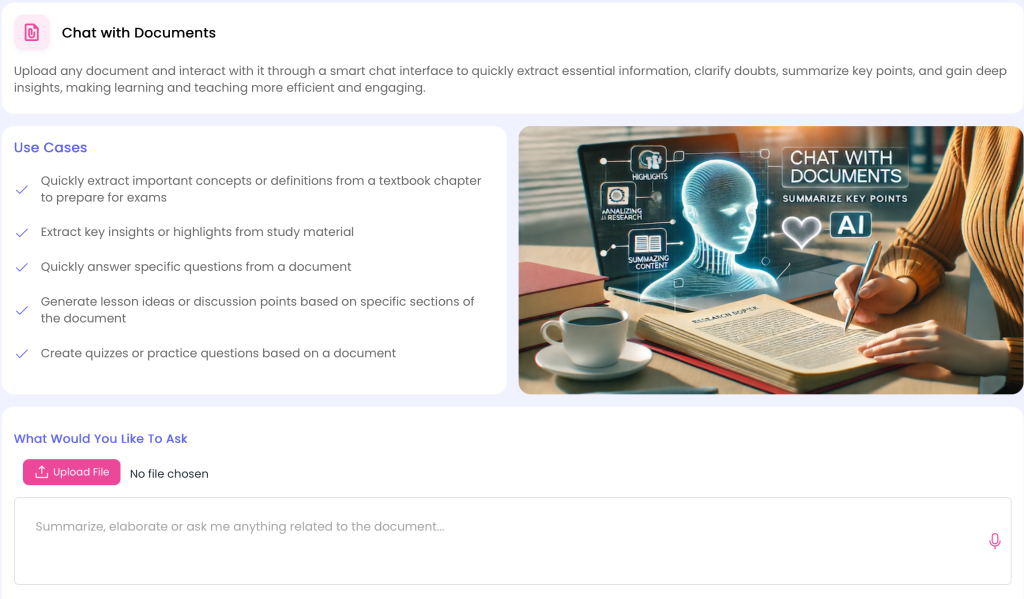
9. YouTube Video Analyzer: Turn Science Videos Into Learning Experiences
Science is particularly suited to visual learning.
Students can watch demonstrations, scientific processes, space exploration, biological processes, experiments and other phenomena that may be difficult to reproduce in a classroom.
However, watching a video does not automatically mean students are learning.
The YouTube Video Analyzer can help teachers work with educational video content and turn it into a more structured learning experience.
For example, a teacher showing a video about volcanic eruptions can prepare questions about Earth's internal structure, pressure and geological processes. A Biology teacher using a video about mitosis can create questions around the stages shown. A Physics teacher can use a demonstration video as the starting point for observation and discussion.
A video-based lesson can follow a simple sequence:
Watch → Observe → Question → Discuss → Explain → Apply
This gives students a clear learning purpose instead of treating the video as passive entertainment.
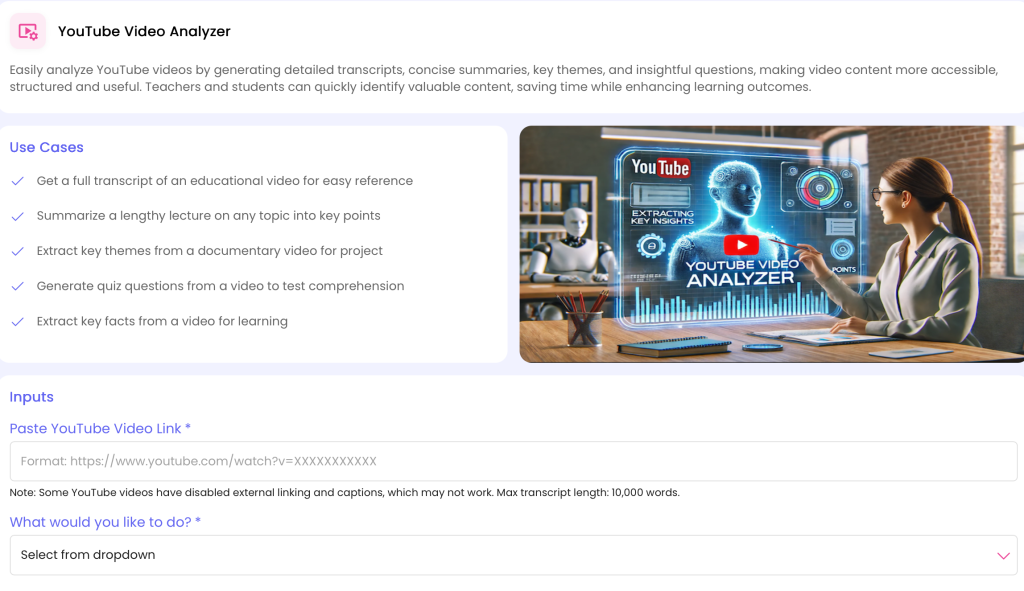
YouTube Video Analysis: https://myspace.teachbetter.ai/view/resource/407698a5-7e45-45ee-90f4-787502fbd13b
10. Quiz & Worksheet Generator: Create Better Science Practice
Science practice involves much more than memorising definitions.
Students may need to identify concepts, interpret information, explain processes, apply principles and solve numerical problems.
The Quiz & Worksheet Generator can help teachers create practice material around specific Science topics.
A Physics teacher teaching Force and Motion can create a mixture of conceptual and numerical questions. A Chemistry teacher teaching Chemical Reactions can prepare questions around reaction types, observations and applications. A Biology teacher teaching Human Respiration can create questions covering organs, processes and their functions.
The same tool can support different stages of learning:
- Classroom practice
- Homework
- Revision
- Chapter quizzes
- Remedial practice
- Examination preparation
Teachers can review and modify the generated questions before using them, ensuring that they match the curriculum and expected difficulty.
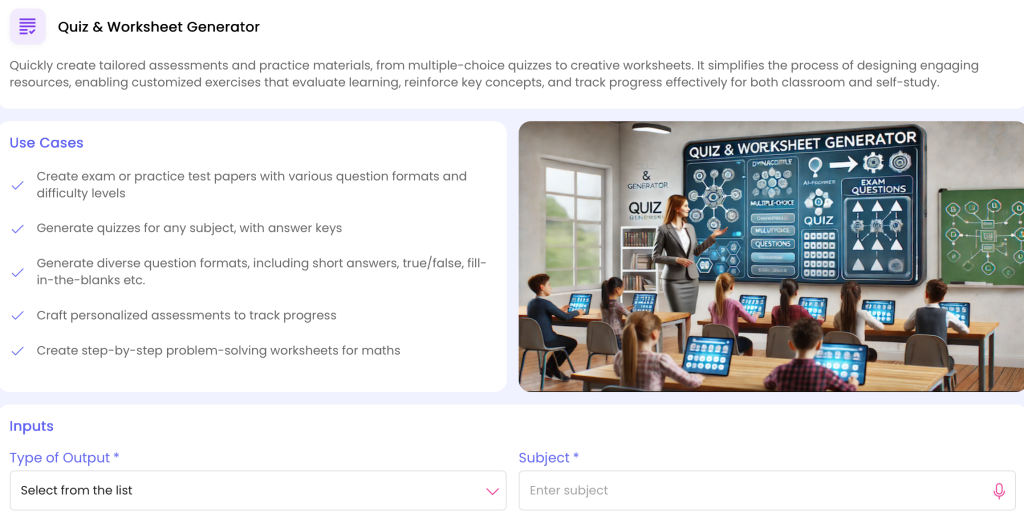
Quiz & Worksheet Generate: https://myspace.teachbetter.ai/view/resource/bd8e754c-84aa-4156-8777-252fd77b6e4a
11. PaperQR Live Quiz: Check Understanding Before Moving Forward
One of the challenges in Science teaching is knowing whether students have understood a concept before introducing the next one.
A teacher may spend an entire class explaining chemical reactions and discover only during an examination that students misunderstood a fundamental concept.
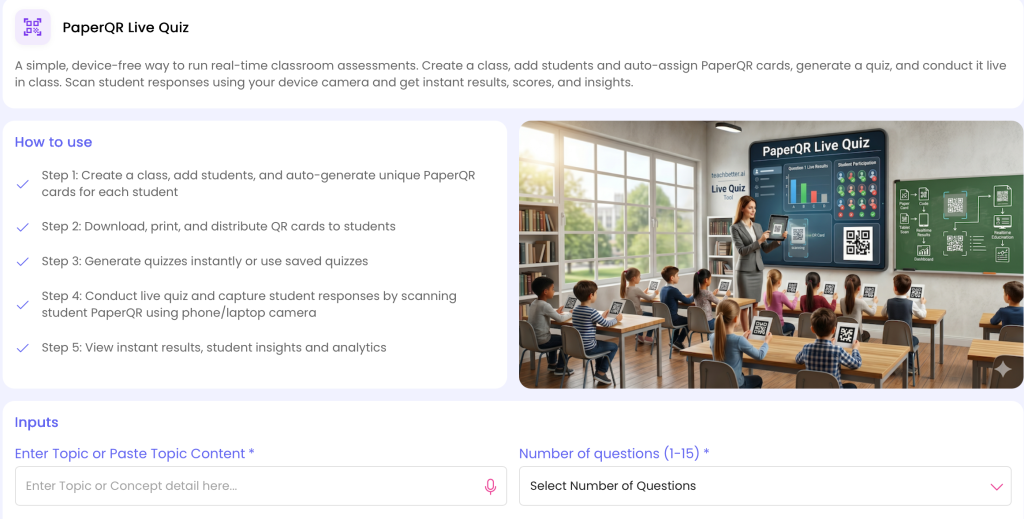
PaperQR Live Quiz provides a device-free way to conduct real-time classroom assessments using printed PaperQR response cards.
Teachers can create a class, add students or upload them in bulk, automatically assign PaperQR cards, download and print them, and distribute them to students. They can then create a quiz or use an existing one and scan student responses using a phone or laptop camera.
The teacher can view results and insights after the quiz.
For example, after teaching Newton's Laws, a Physics teacher could conduct a short quiz based on real-world situations. After teaching cell structure, a Biology teacher could check whether students can distinguish between different cell components. After teaching chemical reactions, a Chemistry teacher could quickly check whether students understand the key concepts before moving to the next topic.
This makes assessment part of the teaching process:
Teach → Check → Identify Gaps → Explain → Practise → Move Forward
Instead of waiting until the end of the chapter, teachers can use assessment to make decisions while learning is still taking place.
12. Personalized Report Generator: Understand What Students Need Next
A score can tell a teacher how a student performed, but it does not always explain what the student should do next.
Two students can receive the same overall percentage while having very different strengths and weaknesses.
The Personalized Report Generator can help teachers organise student performance information into structured reports.
For a Science teacher, this can help highlight areas where students may need additional attention. One student might perform well in Biology but struggle with Physics. Another might understand scientific concepts but find numerical application difficult.
Such information can help teachers plan revision, additional practice or targeted support.
The process becomes:
Assess → Analyse → Support → Reassess
This makes assessment more closely connected to teaching and learning.
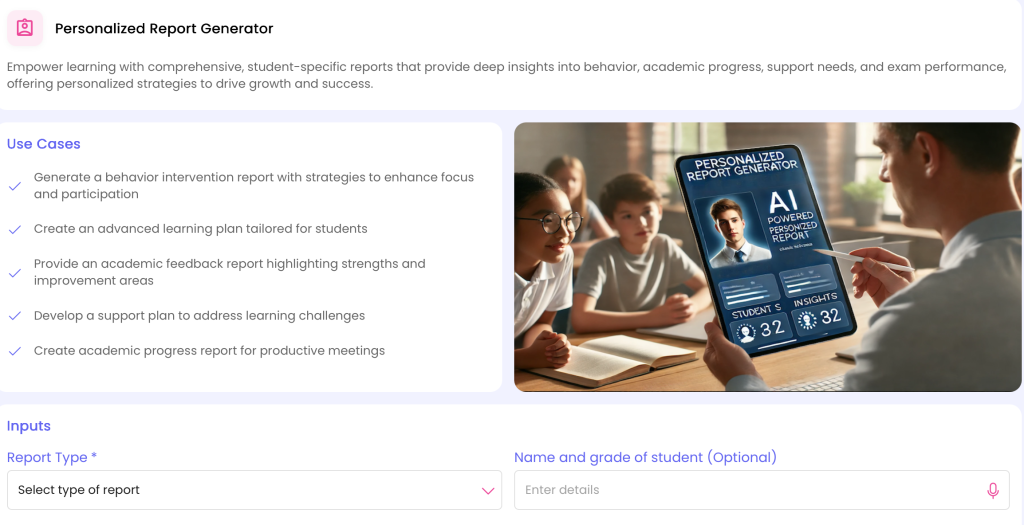
Personalized Report Generate: https://myspace.teachbetter.ai/view/resource/e324a519-3d3f-4041-810c-0c9bec32c8ea
A Complete Science Teaching Workflow With TeachBetter.ai
The biggest advantage of using an AI teaching platform is not necessarily any one individual tool. It is the ability to combine different capabilities around a real classroom lesson.
Consider a teacher preparing a lesson on Water Pollution.
The teacher could begin with the Lesson Planner to structure the lesson around a real-world problem and learning objectives. The Concept Explainer could then help simplify concepts such as pollutants, contamination and water quality.
The teacher could use the Creative Resource Generator to create a scenario or discussion starter and the Activity & Project Generator to develop a group investigation around sources of water pollution. The Presentation Generator could support the visual explanation, while the YouTube Video Analyzer could help turn an educational video into discussion questions and learning activities.
After teaching the topic, the teacher could use the Quiz & Worksheet Generator for practice and PaperQR Live Quiz for a quick classroom assessment. The results could then support further analysis and student support.
The complete learning cycle becomes:
Question → Explore → Explain → Investigate → Practise → Assess → Reflect
This is a more meaningful way to use AI in Science education than simply asking AI to generate a worksheet.
AI for Physics, Chemistry and Biology Teachers
Science is a broad field, and different Science teachers have different classroom requirements. TeachBetter.ai's tools can be adapted to different disciplines and teaching approaches.
AI for Physics Teachers
Physics teachers often need to help students connect mathematical relationships and scientific principles with real-world phenomena. AI can help develop examples, explanations, activities, presentations and practice material around topics such as motion, force, energy, electricity, magnetism, light and sound.
For example, friction can be connected with bicycle tyres, vehicle brakes and walking. Energy can be explored through household appliances, transportation and renewable energy. These real-world contexts can make abstract Physics concepts easier to discuss and apply.
AI for Chemistry Teachers
Chemistry combines observable changes with processes that happen at a microscopic level. Teachers can use AI to prepare explanations, activities, presentations, worksheets and quizzes around topics such as atoms, molecules, chemical reactions, acids and bases, periodic classification and chemical bonding.
For practical and activity-oriented Chemistry learning, teachers can use Science Lab and Activity & Project Generator to develop learning experiences around appropriate scientific concepts. Teachers should always review practical activities for safety, feasibility and suitability before conducting them.
AI for Biology Teachers
Biology involves many structures and processes that students need to visualise and understand as interconnected systems. AI can help teachers create explanations, diagrams, activities, presentations, questions and revision resources around topics such as cells, human body systems, genetics, reproduction, plant biology and ecosystems.
Complex biological processes can be broken into smaller stages, supported with examples and reinforced through questions and activities.
AI for Environmental Science
Environmental Science naturally lends itself to real-world learning. Teachers can use AI to create activities and projects around pollution, waste management, biodiversity, ecosystems, conservation, natural resources and sustainability.
Students can investigate environmental issues around their school or community and connect their observations with scientific concepts.
Connecting Science With the Real World
One of the strongest ways to improve Science learning is to show students that Science is already present in their everyday lives.
Physics is involved when a bicycle moves, a ball is thrown or electricity powers a device. Chemistry is involved when food cooks, metals rust or substances react. Biology is involved when people breathe, plants grow and ecosystems change.
Teachers can use AI to develop examples around these everyday observations.
For example, a lesson on heat transfer can explore why metal feels colder than wood even when both materials have been kept in the same room. A lesson on friction can examine why vehicle tyres have tread patterns. A lesson on photosynthesis can connect plant growth with sunlight, water and carbon dioxide.
This approach changes the nature of the classroom question.
Instead of only asking: “What is this concept?”
the teacher can also ask: “Where do we see this concept around us?”
That shift can help students see Science as a way of understanding the world rather than simply another subject they need to study for an examination.
TeachBetter.ai Tools for Different Science Teaching Needs
| Science Teaching Need | TeachBetter.ai Tool |
| Science lesson planning | Lesson Planner |
| Explaining difficult concepts | Concept Explainer |
| Practical Science learning | Science Lab |
| Classroom activities and projects | Activity & Project Generator |
| Creative Science resources | Creative Resource Generator |
| Visual Science lessons | Presentation Generator |
| Science worksheets and quizzes | Quiz & Worksheet Generator |
| Student doubts | Doubt Solver |
| Existing textbooks, PDFs and notes | Chat With Documents |
| Educational Science videos | YouTube Video Analyzer |
| Real-time classroom assessment | PaperQR Live Quiz |
| Student performance reports | Personalized Report Generator |
Together, these capabilities cover a broad part of the Science teaching workflow, from preparation and explanation to practical learning, practice and assessment.
Responsible Use of AI in Science Education
Science requires accuracy, and AI-generated information should not automatically be treated as correct.
Teachers should review AI-generated content before using it in the classroom, particularly when the content involves scientific facts, formulas, calculations, diagrams or practical procedures.
Teachers should pay particular attention to:
- Scientific accuracy
- Definitions and terminology
- Formulas and calculations
- Diagrams and labels
- Experimental procedures
- Laboratory safety
- Age appropriateness
- Curriculum alignment
- Examination requirements
Practical activities require additional care. Teachers should consider the materials involved, laboratory facilities, school safety procedures, student age and required supervision before conducting any experiment or demonstration.
The most effective approach is therefore not AI instead of the teacher, but:
AI assists → Teacher verifies → Teacher adapts → Students learn
The teacher remains responsible for the final classroom decision.
Frequently Asked Questions About AI for Science Teachers
- What is the best AI platform for Science teachers?
The right AI platform depends on the teacher's requirements and teaching context. TeachBetter.ai is an AI-powered teaching platform built for educators, bringing together tools for lesson planning, concept explanation, practical Science learning, classroom activities, presentations, worksheets, assessment, document-based learning and student concept practice.
- How can AI help Science teachers?
Additionally, AI can help Science teachers reduce repetitive preparation work and create lesson plans, explanations, classroom activities, projects, worksheets, quizzes, presentations and other learning resources.
- Can TeachBetter.ai create Science lesson plans?
Yes. The Lesson Planner can help teachers structure lessons around a particular Science subject, grade, topic and learning objective. Teachers can then review and adapt the plan to suit their classroom.
- Can AI help explain difficult Physics, Chemistry and Biology concepts?
For example, the Concept Explainer can help teachers develop simpler explanations, examples and alternative approaches for difficult concepts across Science subjects.
- Can AI help Science teachers create experiments?
In addition, TeachBetter.ai provides Science Lab and Activity & Project Generator for practical and activity-oriented Science learning.
- Can AI create Science worksheets and quizzes?
Yes. The Quiz & Worksheet Generator can help teachers create practice questions, worksheets and quizzes around specific Science topics.
- Can Science teachers use their existing PDFs and notes?
Yes. Chat With Documents can help teachers work with existing documents and use them as a basis for developing additional learning resources.
- Can teachers use YouTube videos for Science teaching?
Yes. YouTube Video Analyzer can help teachers work with educational videos and turn them into more structured learning resources, discussions and questions.
- Can Science teachers assess students during class?
Meanwhile, PaperQR Live Quiz provides a device-free way to conduct real-time classroom assessments using printed PaperQR response cards and camera-based scanning.
- Can students practise Science concepts using AI?
Yes. The Concept Mastery Coach provides an interactive quiz-based experience that can help students practise concepts and test their understanding.
- Should teachers use AI-generated Science content without checking it?
However, teachers should review AI-generated content before classroom use, particularly when it involves scientific accuracy, calculations, experimental procedures, diagrams, safety or curriculum-specific requirements.
Conclusion: Make Science Teaching More Engaging With AI
The future of Science education is not about replacing textbooks, laboratories or teachers with artificial intelligence.
It is about using technology to give teachers more ways to help students observe, question, investigate, understand and apply scientific concepts.
For teachers, AI can reduce some of the repetitive work involved in preparing lessons, activities, worksheets, presentations and assessments. More importantly, it can help teachers create different pathways into difficult concepts and connect classroom learning with real-world situations.
TeachBetter.ai brings these capabilities together through Lesson Planner, Concept Explainer, Science Lab, Activity & Project Generator, Creative Resource Generator, Presentation Generator, Quiz & Worksheet Generator, Doubt Solver, Chat With Documents, YouTube Video Analyzer, PaperQR Live Quiz, Personalized Report Generator and Concept Mastery Coach. Together, these tools support different stages of the Science teaching and learning journey—from planning and explanation to practical learning, practice and assessment.
For a Science teacher, the opportunity is not simply to use AI to create content faster.
It is to use AI to create better opportunities for students to understand Science.
From a question in the classroom to a practical investigation, from a difficult concept to a visual explanation, and from an assessment result to targeted practice, AI can support different parts of the learning journey.
The teacher remains at the centre.
AI simply provides another set of tools to help the teacher do what they do best:
Explain. Explore. Question. Inspire. Teach better.

Binit Agarwalla, Founder, TeachBetter.ai
With over 15 years of seasoned expertise, Binit is a results-driven marketing leader specializing in B2B SaaS and B2C growth strategy - now channeling that experience into transforming education through TeachBetter.ai, an all-in-one AI platform built exclusively for teachers, students, and schools.
As the Founder of TeachBetter.ai, his mission is to simplify teaching and amplify learning by empowering educators with AI-driven tools that save time, enhance creativity, and make classrooms more engaging. TeachBetter.ai's vision is to make AI adoption in education simple, accessible, and affordable - helping every teacher leverage the power of AI without complexity or high cost.
Read other articles authored by Binit Agarwalla here.